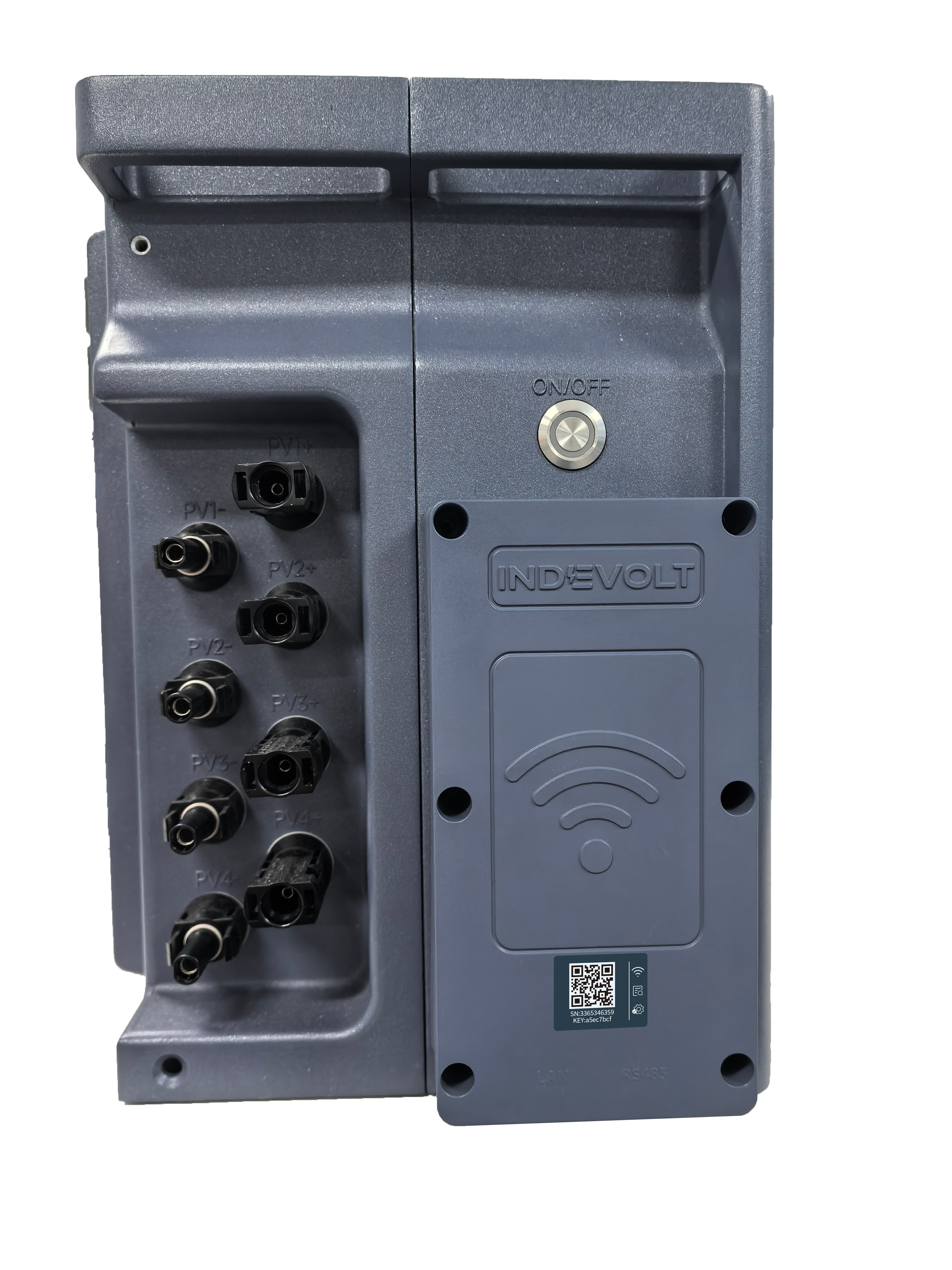
INDEVOLT Module Replacement (WiFi+LAN) SOP
Model: MW-6ES-EU-2000
Disassembly
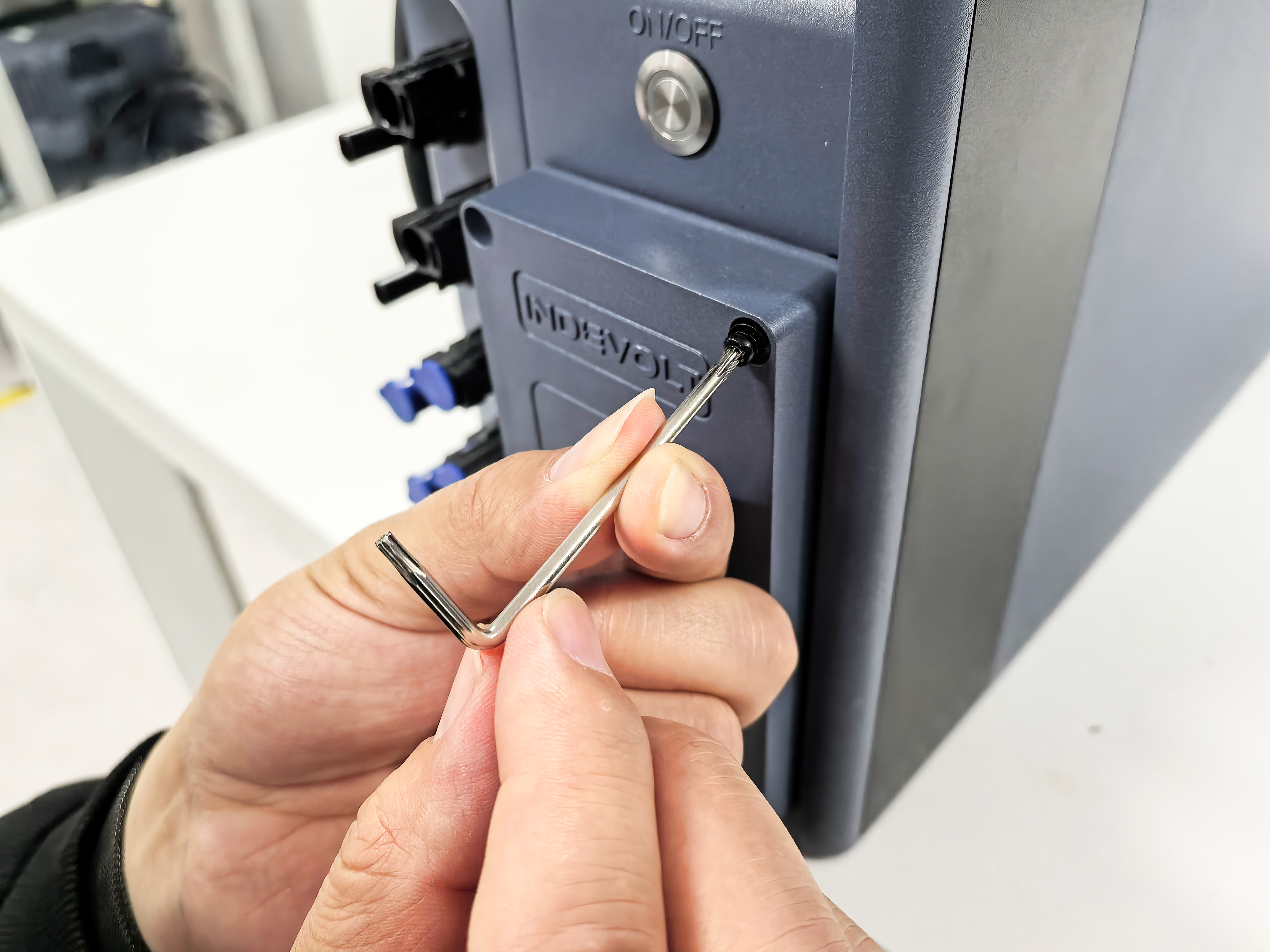
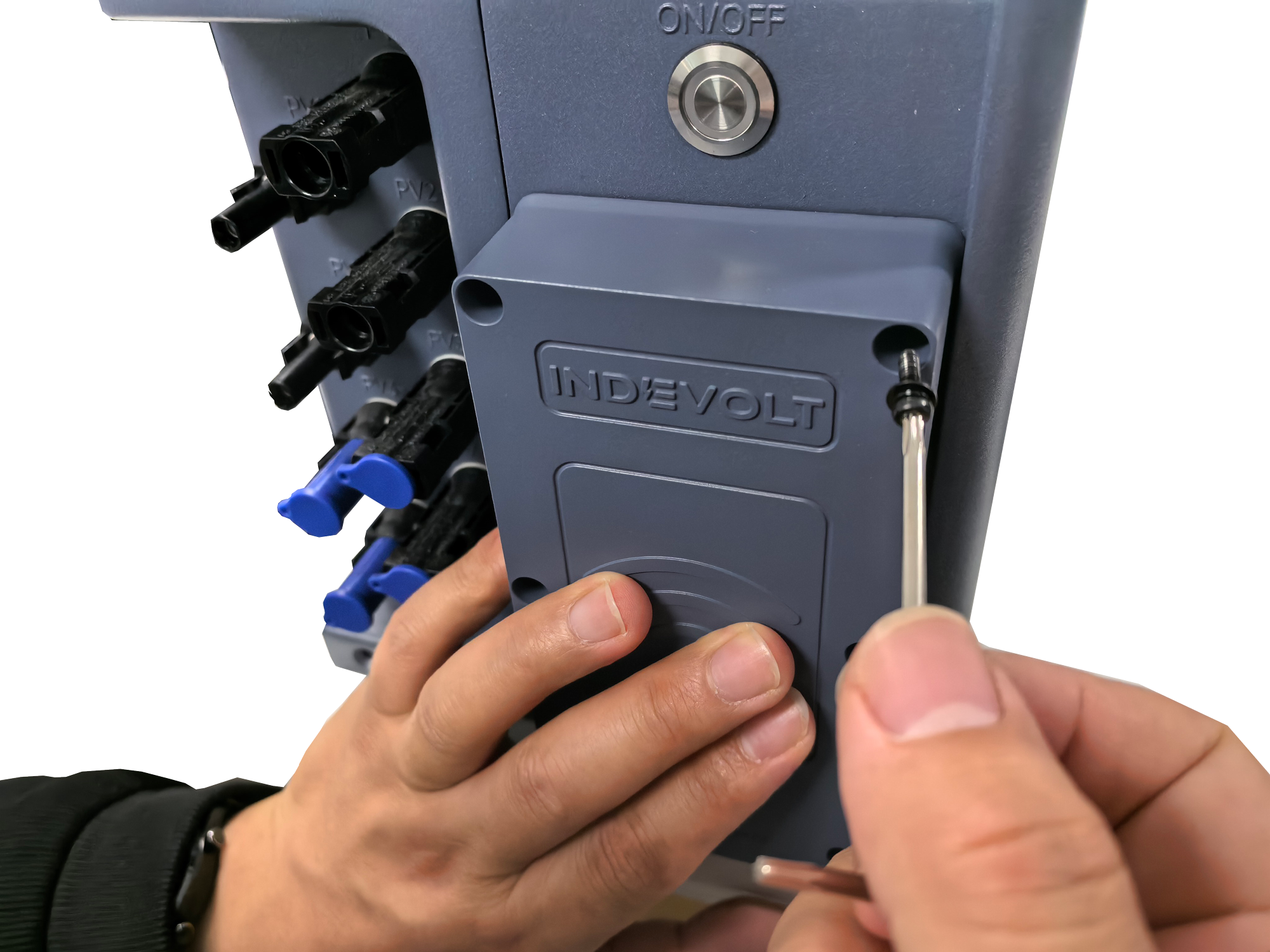
1. Unscrew the fastening screws
Use the screwdriver in the package to unscrew the six fastening screws on the module and keep the screws well.
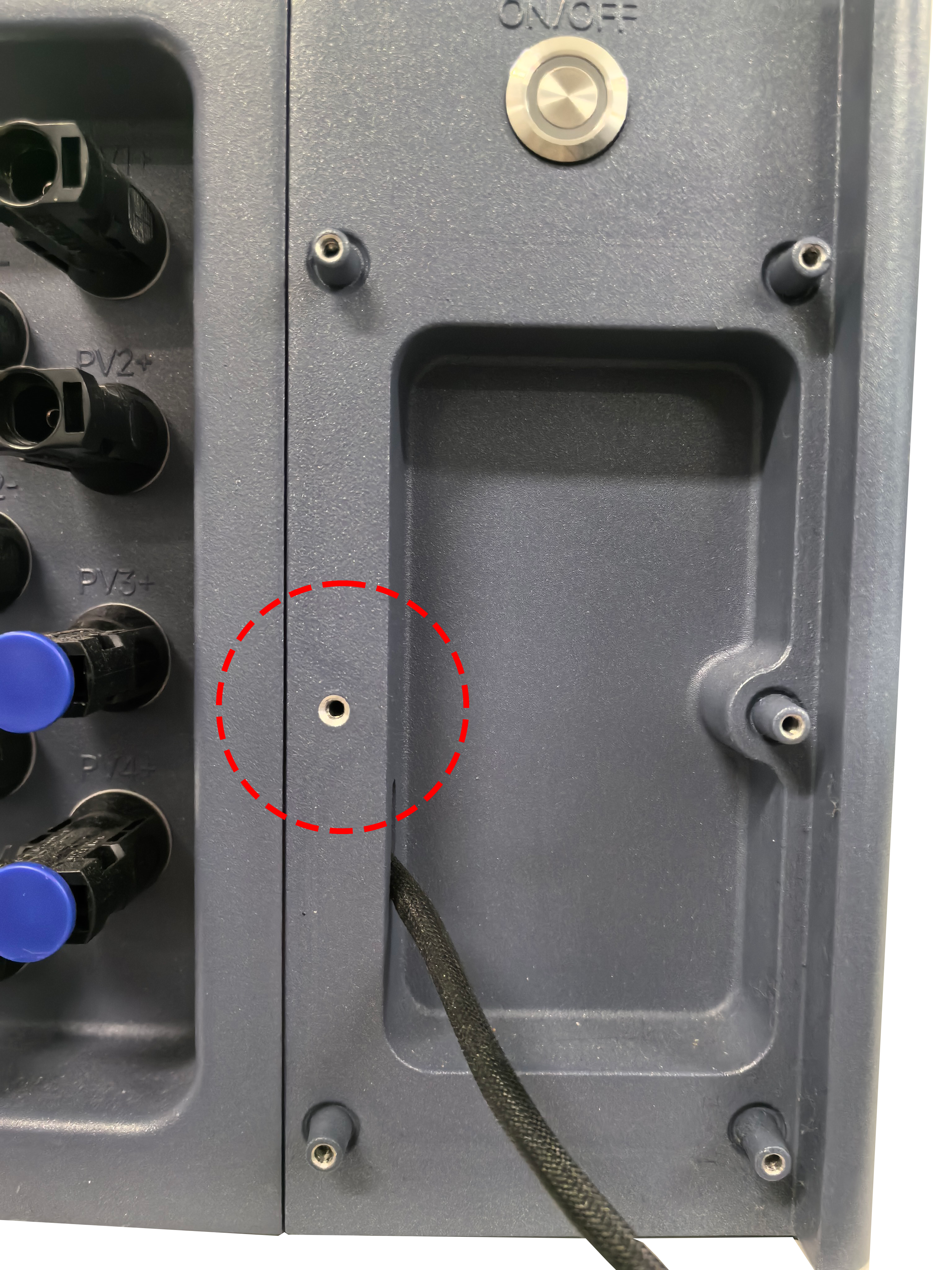
2. Remove the module
Pull out and remove the WiFi module smoothly. Do not use excessive force to avoid interface damage.
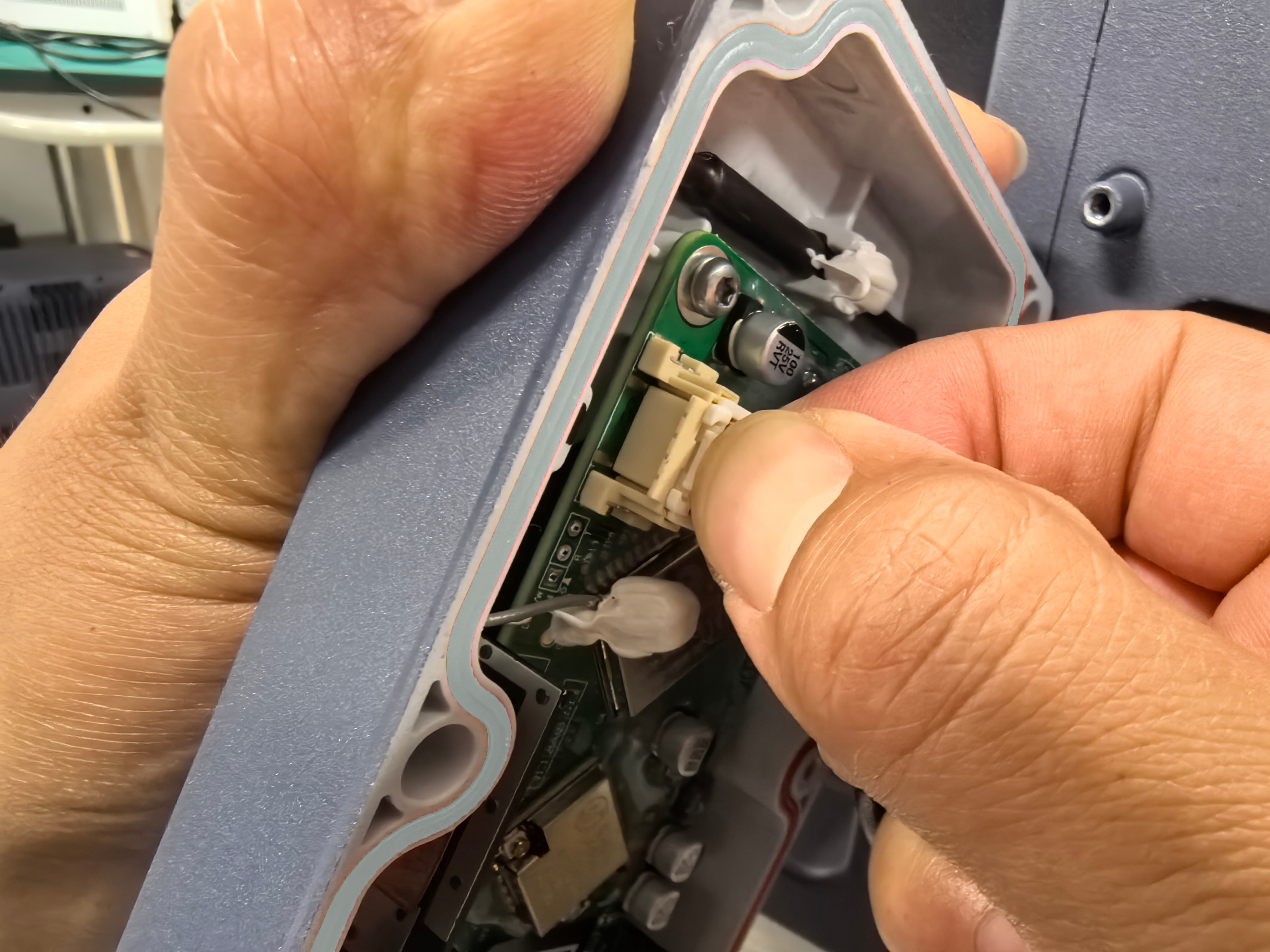
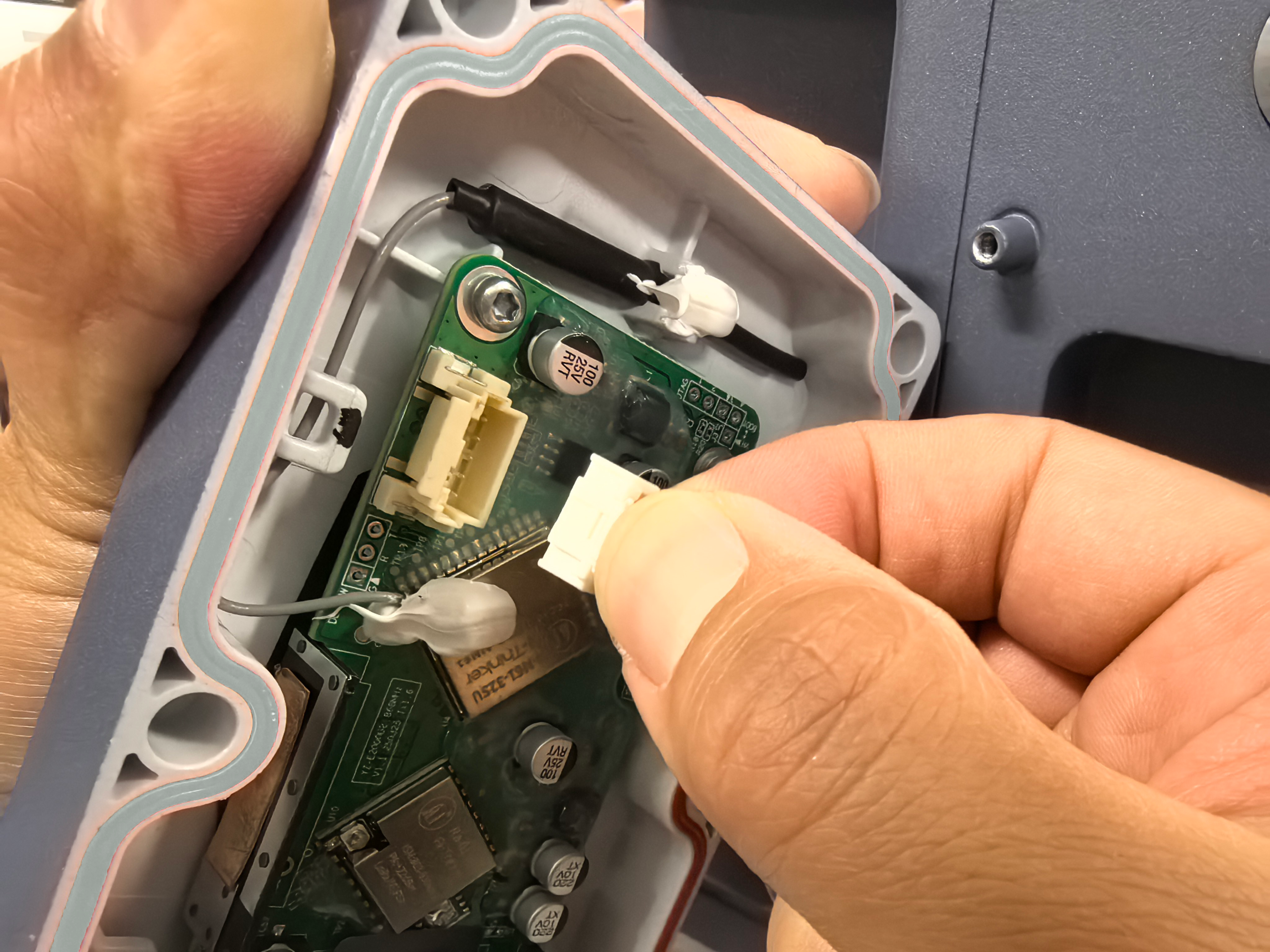
3. Unplug the communication cable
Press and hold the tab, then pull out the RS485 connection cable.
Assembly
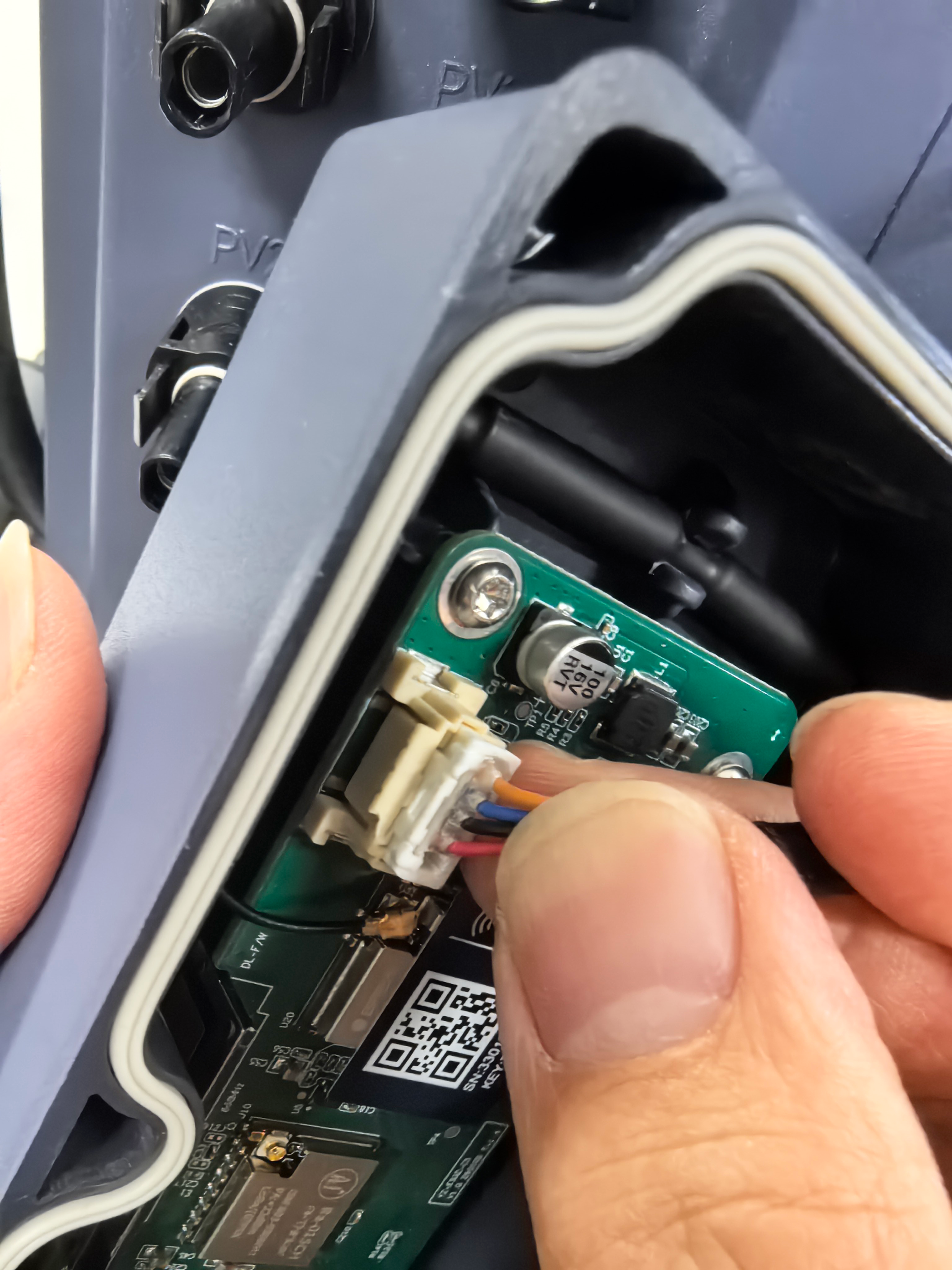
1. Connect the communication cable
Connect the communication line to the interface on the new PCB.
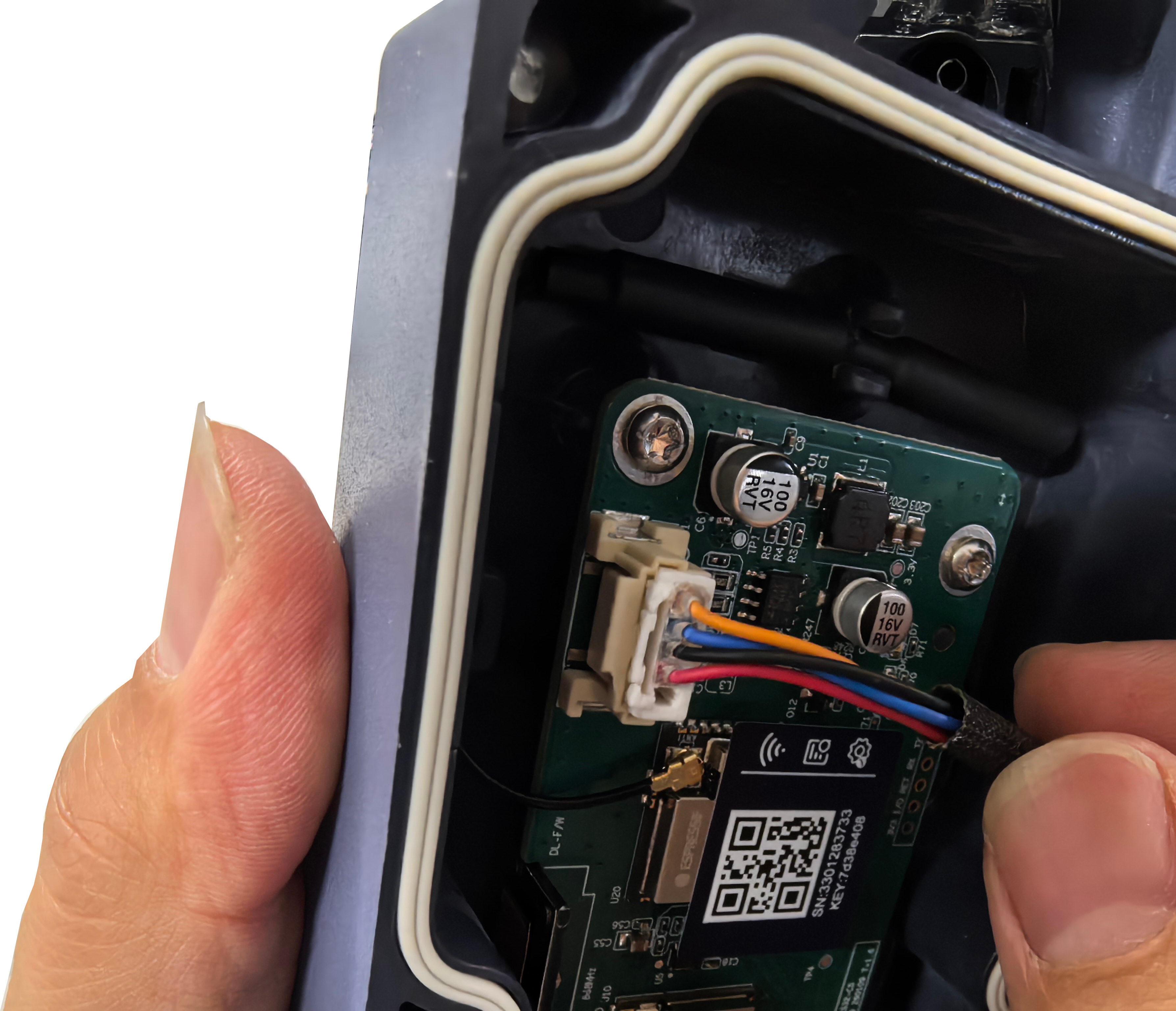
2. Install WiFi+LAN Module
Align the module with the slot and gently push it in, ensuring it is fully inserted.
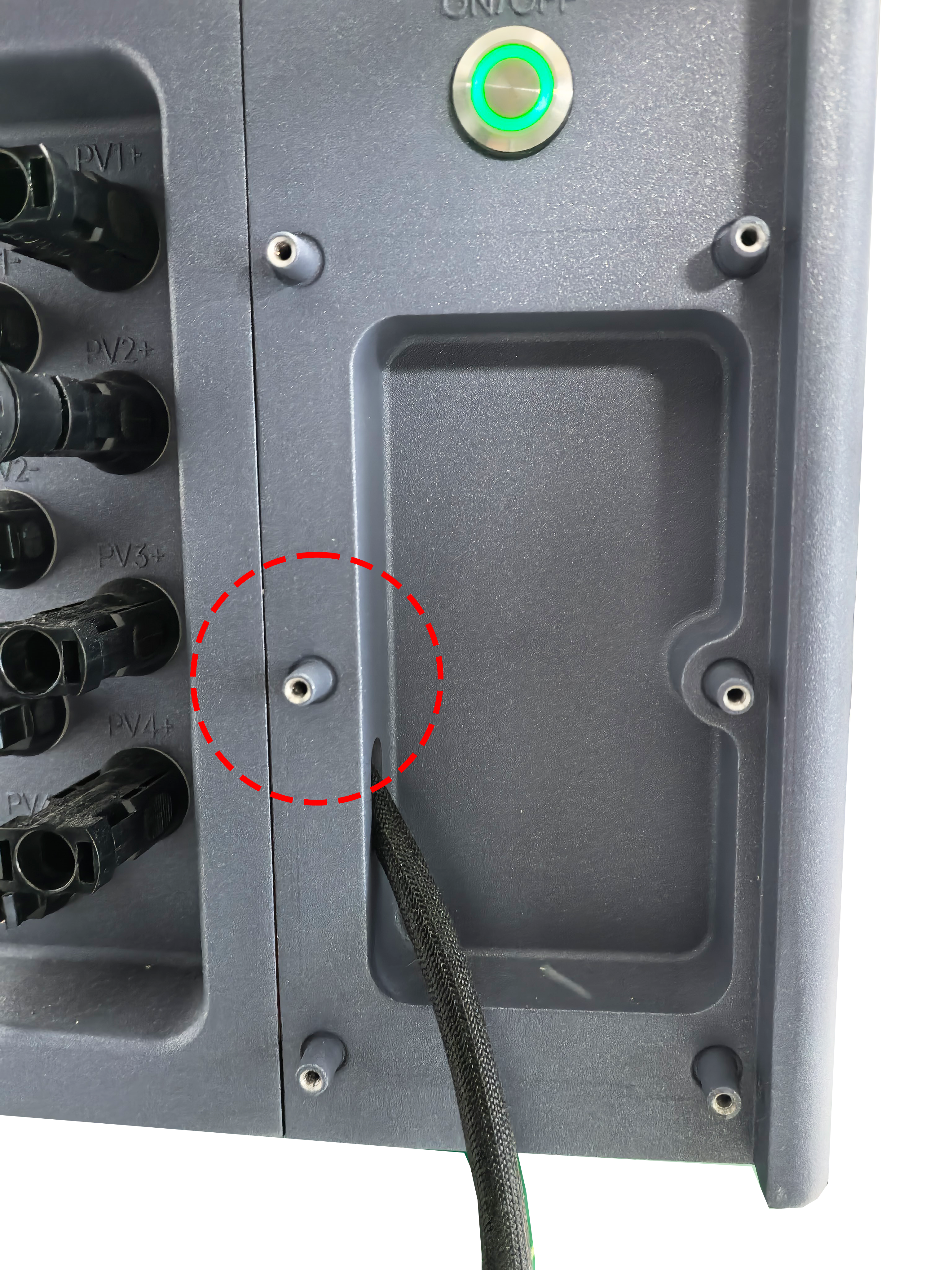
3. Tighten the fastening screws
Use the screwdriver to tighten the previously removed screws to secure the module.
4. Double-check the installation
Please make sure that the module is installed well, the screws are tightened, and the cover plate is not loose. If necessary, you can turn on the machine and connect the network to test whether the network connection is normal.